

Clone Services Instantly With A Single Click!
Sometimes you just want to duplicate a service rather than creating a new one from the scratch again. Entering all the details all over again can be a little tedious process. We get that and thus we have launched this new feature.
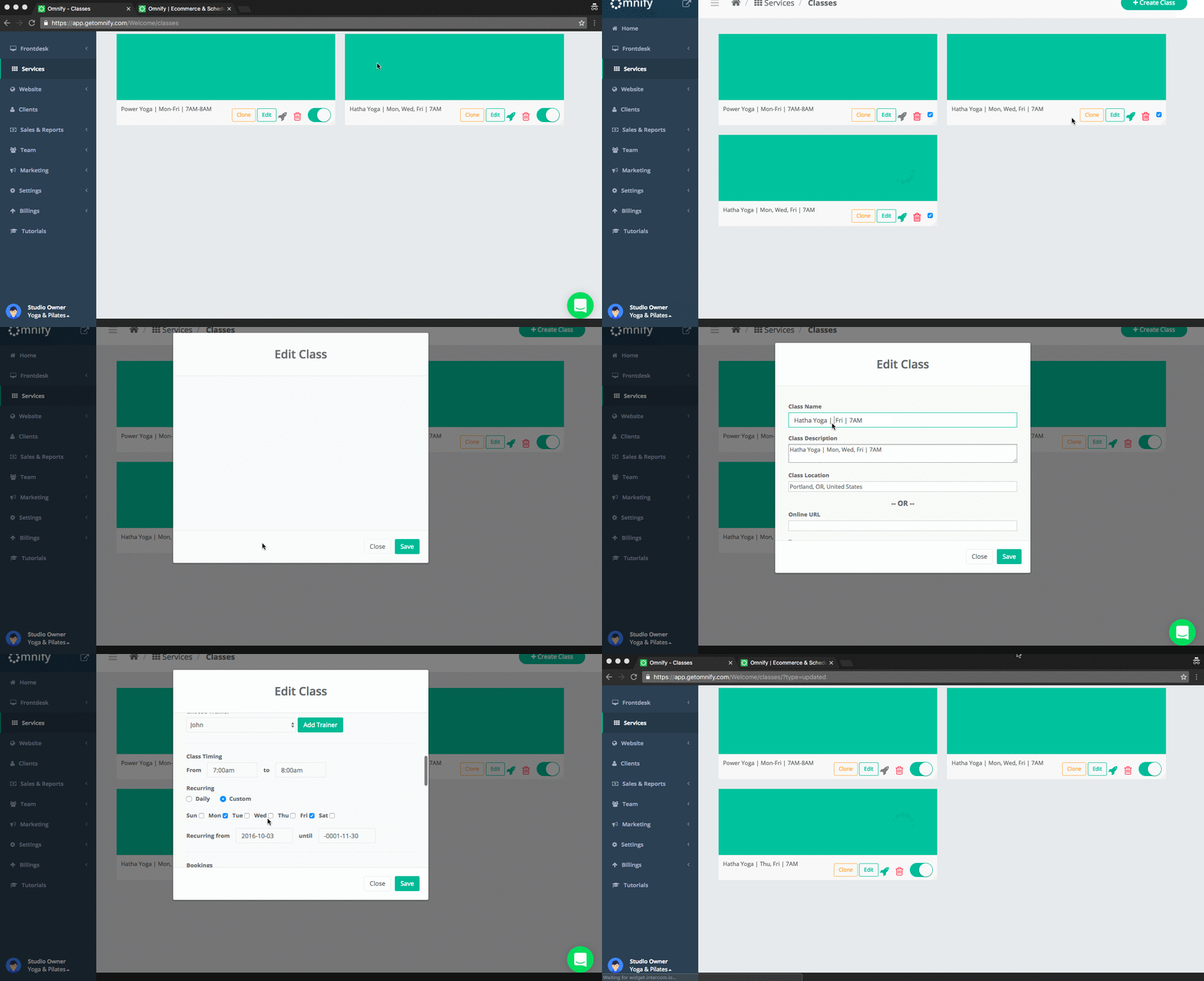
You will now be able to create a new service by just clicking on ‘Clone’. You can then go to edit and change just the details which are different from the original service. You won’t have to enter all the details again and again.
To clone a service:
1. Go to Dashboard and click on Services
2. Click on the Service Category you want to create
3. Select an existing Service item and click on Clone
4. You will see a duplicate item has been created.
5. Click on Edit and make the changes. Click Save
.png)

